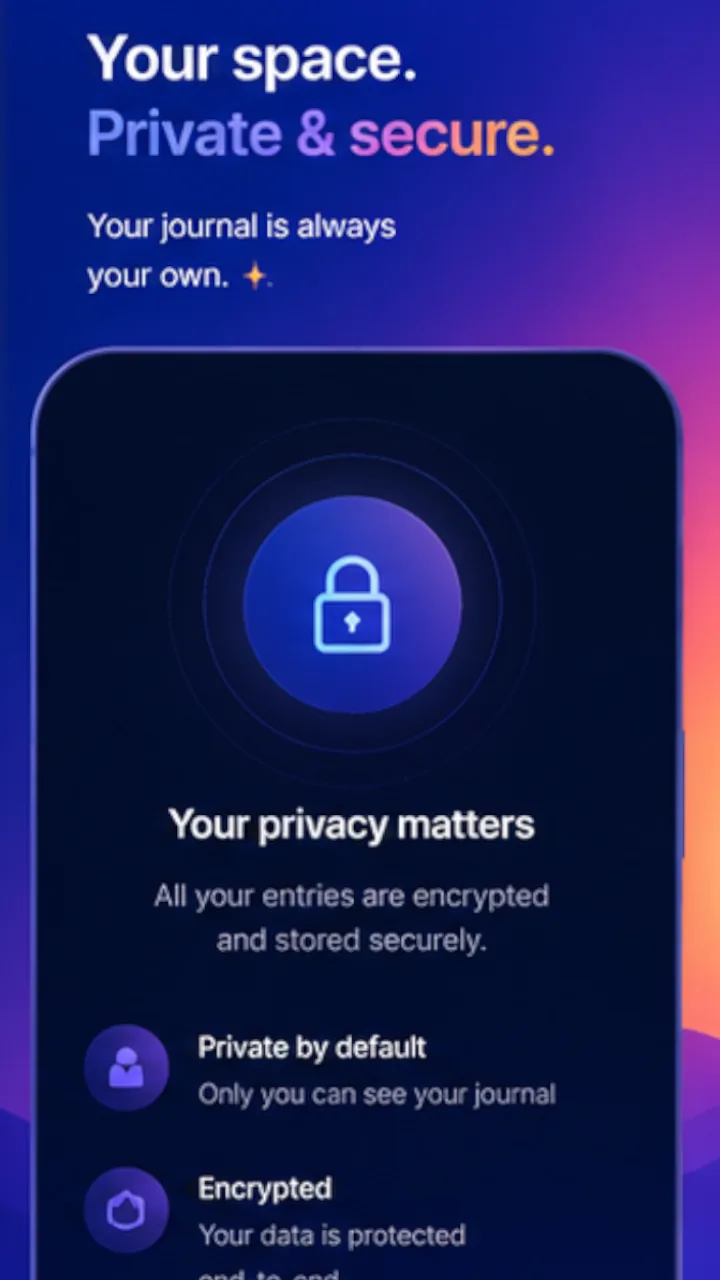
Encrypted on your device
Entries are encrypted where they are written. The key is held in your phone’s secure storage and never leaves it.
Sensemaking Personal
A journal on your phone. Record an experience, reflect on it, and explore patterns as they emerge.
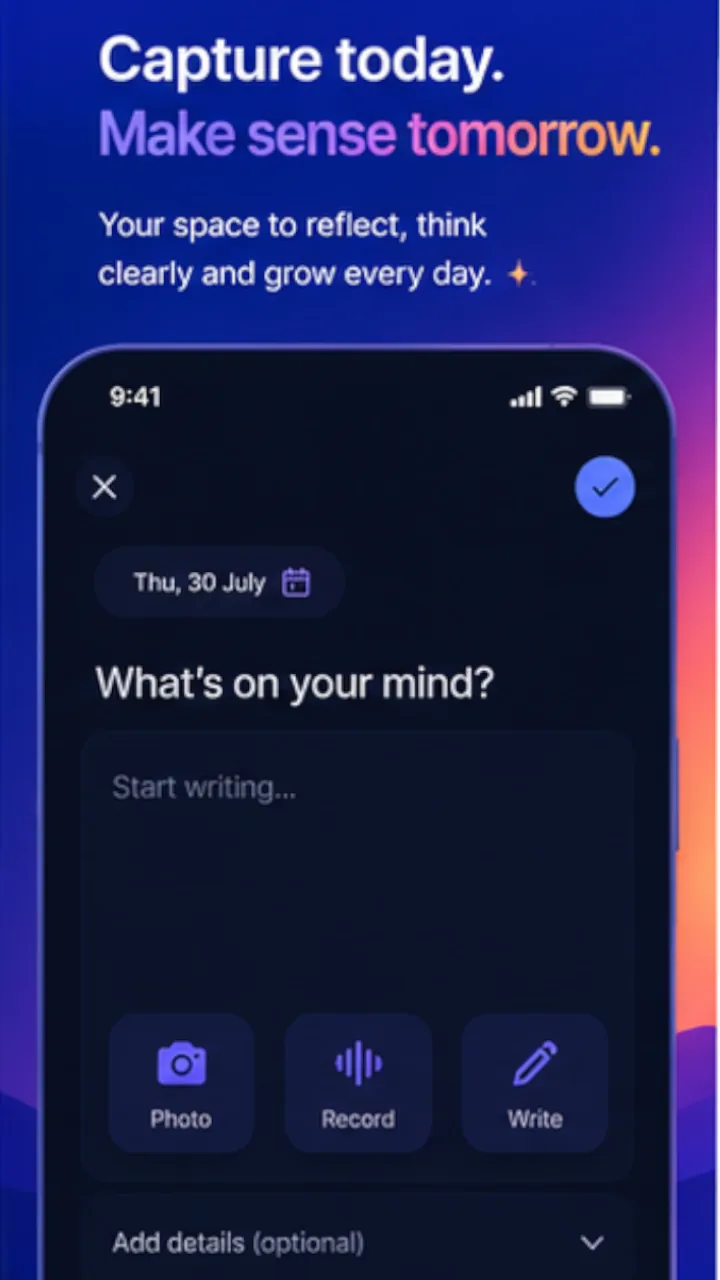
Start with writing and reflection. Explore patterns when you’re ready.
Pick a set of prompts to write against. You can change it later, or keep more than one for different parts of your life.
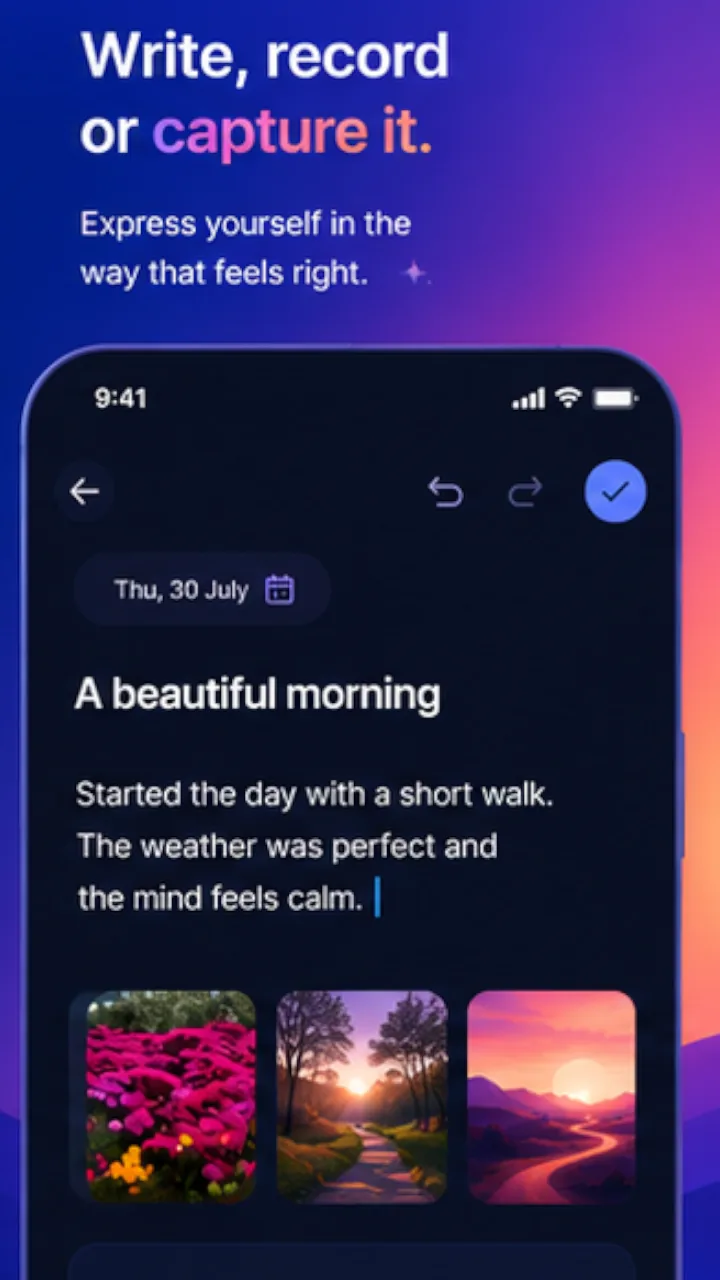
A few lines is a page. Add a photo or a voice note if it helps. There is no minimum and nothing to finish.
After writing, place a few marks — where your attention sat, how the week felt. Seconds, and optional.
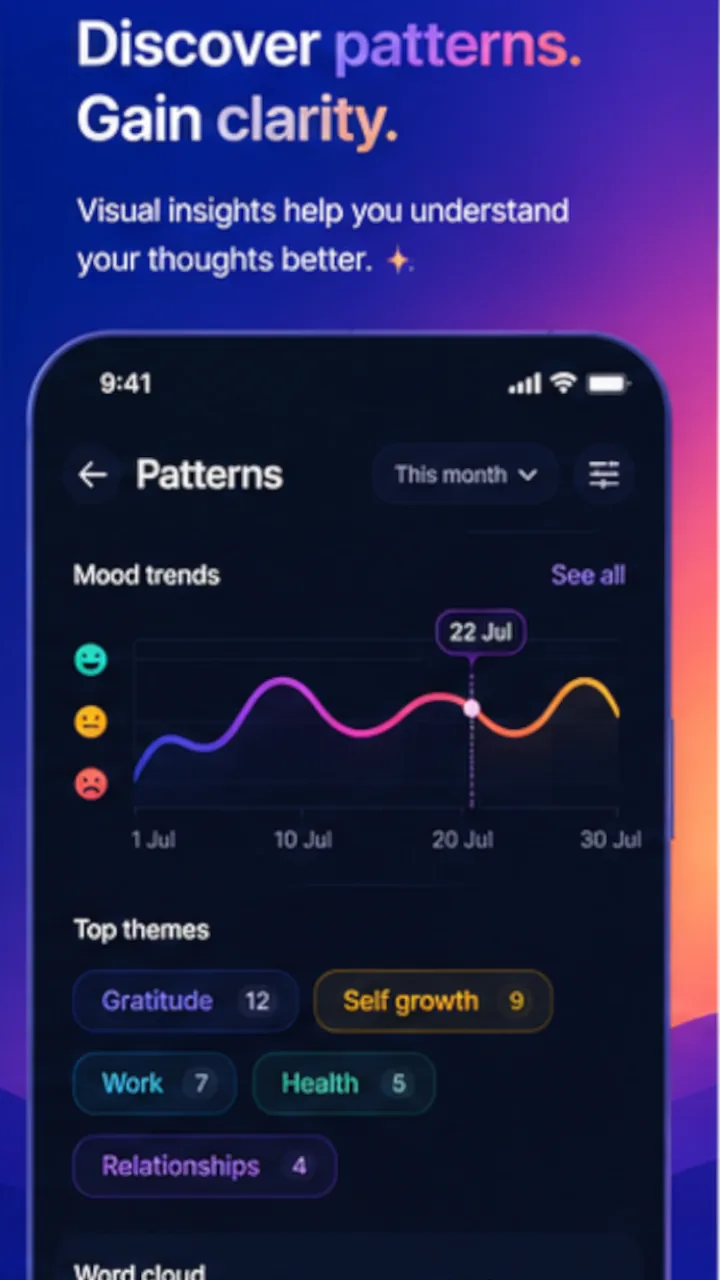
Once there are a few entries, Patterns draws the line through them. It stays empty until it would be honest.
Your journal stays on your device. Spryng does not hold a copy.
Entries are encrypted where they are written. The key is held in your phone’s secure storage and never leaves it.
The app makes one network call: fetching the question sets. Nothing you write travels the other way.
Back up to your own iCloud or Google Drive, encrypted with a passphrase only you hold. Without it the file cannot be opened, by us or by anyone.
Export everything as readable files or a printable book, whenever you like. Backup and export work whether or not you subscribe.
The full detail is in the privacy policy for this app, which is the same document it links to from Settings. If you want to leave, deleting your account takes a minute and does not need the app installed.
Because the journal lives on your phone, a backup is the only thing standing between a lost handset and lost writing. So the app can put an encrypted copy in storage you already own — your Google Drive or your iCloud — and nowhere else. It is optional, and the journal works without it.
Nothing is uploaded on its own. A backup happens when you start one in Settings, and the app has no background upload and no sync loop.
On Google Drive the app asks for a single permission — drive.appdata. It grants access to a private application folder that this app creates, and to nothing else. The app cannot see, open, list or change any other file in your Drive, including files another app put in its own application folder.
The backup is a single file, encrypted on your device with a passphrase you choose. What reaches Drive is already unreadable without it. We do not have the passphrase and cannot recover the file if you lose it.
Remove the app’s access whenever you like, from your Google Account’s third-party connections page. Doing so stops further backups and leaves the file already there; you can delete that from Drive’s application-data storage.
On an iPhone or iPad the app writes the same encrypted file to your own iCloud container. Same rule: your storage, your passphrase, started by you.
How the app handles data received through Google APIs, including its adherence to the Google API Services User Data Policy, is set out in the privacy policy.
The reflections you add build a picture of how your framing shifts over time. Patterns stays empty until there are enough entries to say something true — a line through three points is a drawing, not a finding.
None of that analysis leaves your device either. It is computed where it is shown.
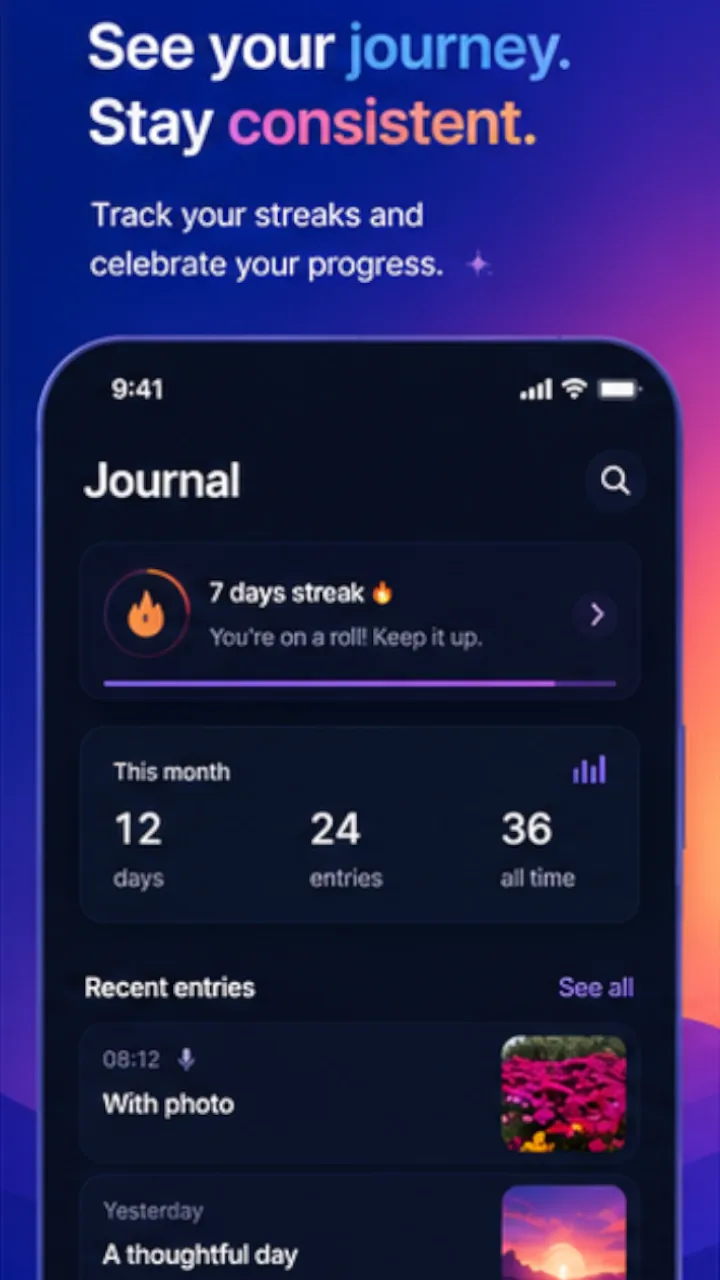
Writing, reminders, export and backup are part of the free journal. The instrument-editing add-on is $49/yr. It adds the question catalog, more than one instrument at a time, and the editor for writing your own questions. The Personal plan itself is free.
Subscriptions renew until you cancel them. The Terms of service say how, and the Privacy policy says what the app does and does not send.
Looking for the app participants use in a facilitated study? That is Journally.